

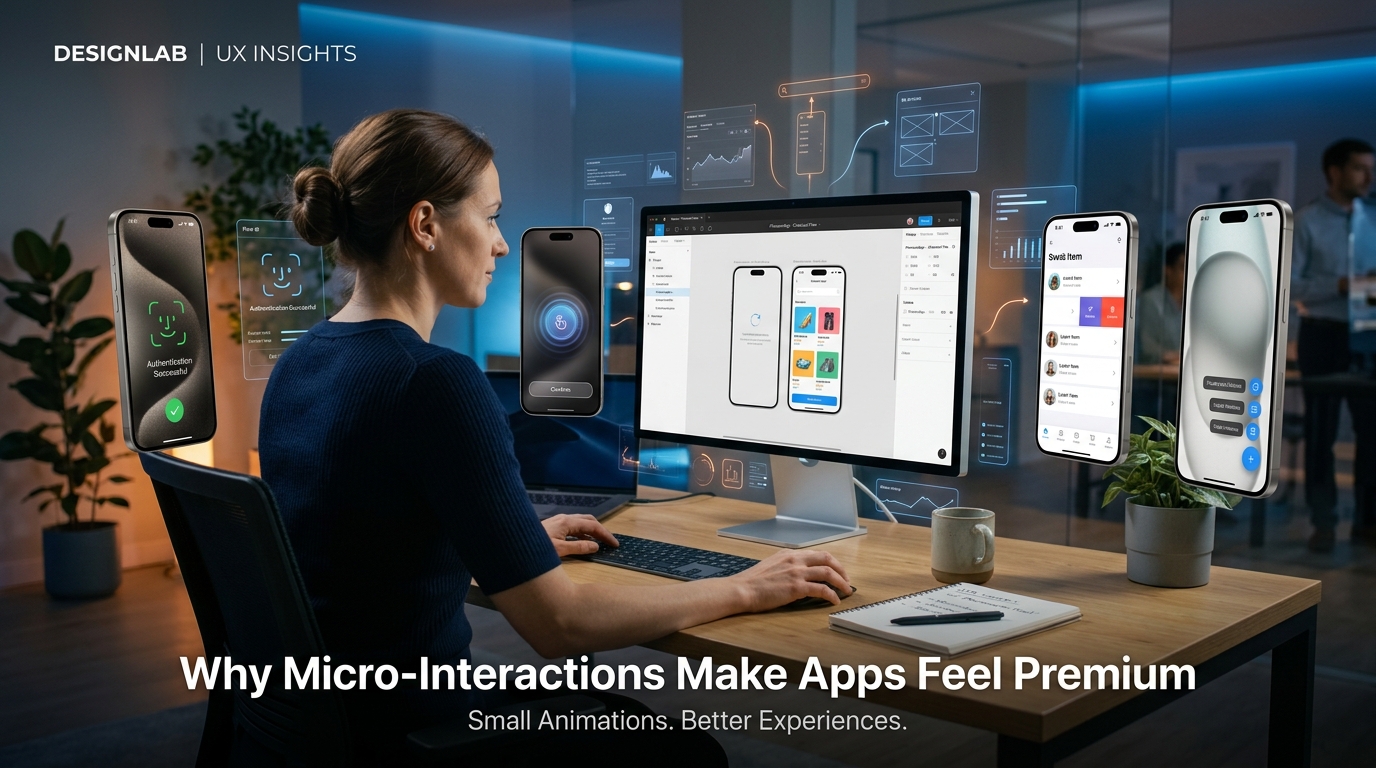
Why Micro-Interactions Make Apps Feel Premium
When people describe their favorite apps, they rarely talk about the code behind them. Instead, they say things like:
"It feels smooth."
"Everything responds instantly."
"It's satisfying to use."
That feeling doesn't happen by accident. It's created through dozens of carefully designed details known as micro-interactions.
Micro-interactions are the small animations, visual cues, and feedback mechanisms that occur whenever users interact with an app. They may only last a fraction of a second, but together they shape how users perceive the quality of your product.
A button that subtly responds to a tap, a loading animation that reassures users something is happening, or a success message that confirms an action—all of these moments contribute to a polished experience.
Users may not consciously notice every micro-interaction, but they immediately notice when they're missing.
What Are Micro-Interactions?
Micro-interactions are small, focused moments designed around a single user action.
Examples include:
- A button changing color when tapped.
- A heart icon animating after liking a post.
- A swipe gesture revealing additional actions.
- A progress bar while uploading files.
- A vibration confirming a successful payment.
- A pull-to-refresh animation.
- Face ID or fingerprint authentication animations.
- Smooth transitions between screens.
- Success and error messages with subtle motion.
Each interaction provides feedback, making the interface feel responsive and intuitive.
Why They Matter
Users constantly seek confirmation that the app understands their actions.
Without feedback, people may wonder:
- Did the button work?
- Is the payment processing?
- Was my photo uploaded?
- Is the app frozen?
Micro-interactions answer these questions instantly.
They create confidence, reduce confusion, and make digital experiences feel reliable.
The Psychology Behind Micro-Interactions
The human brain responds positively to immediate feedback.
When an interface reacts naturally to a user's action, it creates a sense of control.
This reduces uncertainty and makes interactions feel effortless.
Thoughtful motion also creates emotional engagement. A small celebration after completing a task or a satisfying animation after achieving a goal can leave a lasting positive impression.
These moments encourage users to return because the product feels enjoyable—not just functional.
Benefits of Micro-Interactions
Well-designed micro-interactions can:
- Improve usability.
- Reduce user errors.
- Guide users through complex tasks.
- Increase engagement.
- Strengthen brand identity.
- Build trust.
- Improve accessibility by providing visual feedback.
- Make waiting times feel shorter.
- Increase perceived performance.
These benefits often translate into better retention, higher satisfaction, and stronger customer loyalty.
Where Micro-Interactions Should Be Used
Micro-interactions can enhance nearly every part of an application, including:
Buttons
Buttons should provide immediate visual feedback when tapped.
Forms
Highlight errors gracefully and confirm successful submissions.
Navigation
Animate transitions smoothly so users understand where they are moving.
Loading States
Replace blank screens with skeleton loaders or progress indicators to reassure users that content is loading.
Notifications
Display subtle banners or snackbars instead of interrupting users with unnecessary pop-ups.
Authentication
Use elegant biometric animations during Face ID or fingerprint verification to reinforce trust.
E-commerce
Animate items moving into the shopping cart and provide confirmation after checkout.
Social Media
Bring interactions to life with like animations, reaction effects, and smooth content updates.
Common Mistakes
Micro-interactions should enhance the experience—not distract from it.
Avoid:
- Slow or lengthy animations.
- Excessive motion that delays user actions.
- Inconsistent animation styles.
- Animations without purpose.
- Overly flashy effects that compete with content.
Good motion supports usability. It should never become the center of attention.
Designing Effective Micro-Interactions
Keep these principles in mind:
- Make animations fast and responsive.
- Ensure every animation has a clear purpose.
- Maintain consistency throughout the app.
- Use subtle motion rather than exaggerated effects.
- Test animations with real users to ensure they improve, rather than hinder, the experience.
- Respect accessibility settings and reduce motion where appropriate.
When used thoughtfully, micro-interactions become almost invisible because they feel so natural.
Real-World Examples
Many of the world's most successful apps rely on micro-interactions to create memorable experiences.
Think about:
- The gentle vibration when unlocking a device.
- The animation when adding an item to a shopping cart.
- The pull-to-refresh gesture in social media apps.
- Progress rings in fitness apps.
- Typing indicators in messaging apps.
- Smooth transitions between pages in productivity tools.
These interactions don't just look good—they communicate, reassure, and delight users.
Final Thoughts
Micro-interactions may be small, but their impact is significant.
They bridge the gap between functionality and emotion, transforming an app from something users simply use into something they genuinely enjoy.
If you want your application to feel modern, premium, and intuitive, don't focus only on features. Focus on the moments between them.
Because in exceptional product design, it's often the smallest details that create the biggest impression.
Frequently Asked Questions
What are micro-interactions in app design?
Micro-interactions are small animations or feedback elements that respond to user actions, such as button taps, loading indicators, swipe gestures, or success confirmations.
Why are micro-interactions important?
They improve usability, provide instant feedback, reduce confusion, and make apps feel more responsive and polished.
Do micro-interactions affect user retention?
Yes. Smooth, meaningful interactions create a more enjoyable experience, increasing user satisfaction and encouraging people to continue using the app.
Should every app use micro-interactions?
Most modern apps benefit from them, but they should always serve a purpose. The goal is to improve the experience without distracting users.
Blog CTA
The difference between a good app and a great app often comes down to the smallest details. Thoughtful micro-interactions make every tap, swipe, and transition feel intuitive, helping users build confidence and enjoy using your product.
At GoTech Studio, we create modern, high-performance mobile applications with carefully crafted UI animations and micro-interactions that elevate the overall user experience. From smooth onboarding flows to polished interface animations, we design products that feel as good as they function.
Ready to build an app that users love to interact with? Let's create a premium experience together with GoTech Studio.