

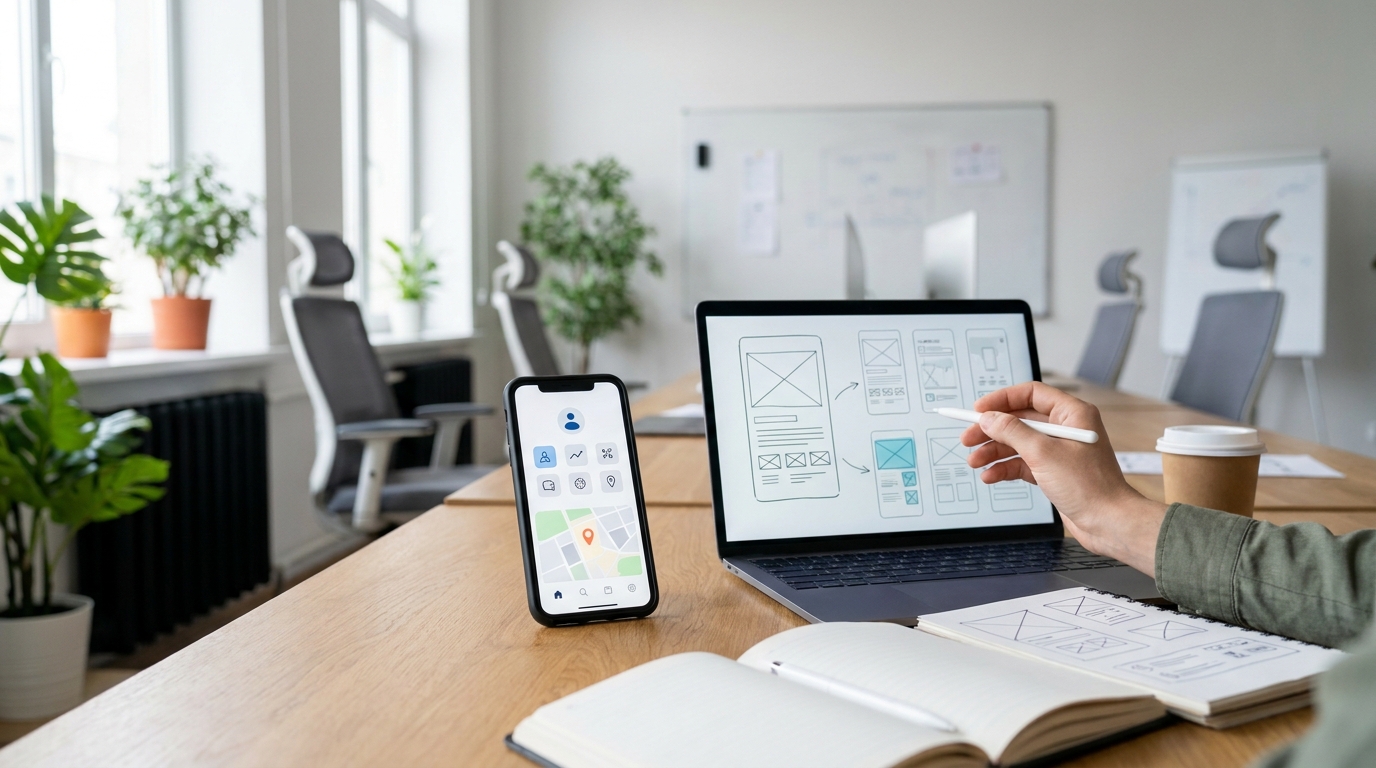
Why Good UI/UX Matters for Your Mobile App
When people talk about mobile apps, the first thing they often notice is the design.
Does the app look modern?
Are the colors attractive?
Does the interface feel professional?
These things are important, but good app design goes much deeper than appearance.
A successful mobile app needs to be easy to understand and comfortable to use.
Users should know where to go, what to tap, and how to complete their task without unnecessary confusion.
That's where UI and UX design become important.
UI focuses on the visual interface, while UX focuses on the overall experience a person has while using the product.
When both work together, an app can look good while also feeling natural and easy to use.
What Is UI Design?
UI stands for User Interface.
It is the visual part of a digital product that users interact with.
This includes things such as:
- Buttons
- Colors
- Typography
- Icons
- Forms
- Cards
- Navigation
- Spacing
- Images
- Animations
- Screen layouts
Good UI design creates a consistent visual system.
For example, buttons should look like buttons, important actions should be easy to recognize, and different screens should feel like they belong to the same application.
A professional interface makes the product easier to understand.
What Is UX Design?
UX stands for User Experience.
UX focuses on how users actually experience the product.
It asks questions such as:
- Is the app easy to understand?
- Can users find what they need quickly?
- Is the navigation logical?
- Are important actions easy to complete?
- Does the user know what happens after tapping a button?
- Are errors explained clearly?
- Is the overall process frustrating or smooth?
A product can have beautiful UI but poor UX.
For example, an app might have attractive colors and animations, but if users cannot figure out how to complete a basic task, the design still has a problem.
UI and UX Work Together
UI and UX are different, but they work closely together.
Think about a restaurant.
The interior design, tables, lighting, menu design, and presentation are similar to UI.
The process of entering the restaurant, finding a table, ordering food, receiving service, and paying is more like UX.
A restaurant can look beautiful but still provide a frustrating experience.
The same thing can happen with an app.
A visually impressive application isn't automatically a good application.
Users need both visual quality and usability.
First Impressions Matter
Your app may be the first direct interaction someone has with your business.
If the interface looks outdated, confusing, or poorly organized, users may question the quality of the product behind it.
A clean and professional interface can create a stronger first impression.
But the goal isn't simply to make the app look expensive.
The design should communicate:
This product is reliable.
This product is easy to use.
This business understands its users.
Good design can help establish that feeling within the first few moments of using the app.
Good UX Reduces User Confusion
One of the biggest goals of UX design is to reduce unnecessary thinking.
Users shouldn't have to ask themselves:
Where do I go next?
What does this button do?
Where can I find my account?
How do I complete this process?
A well-designed interface guides users naturally.
Navigation should make sense.
Important actions should be visible.
Information should be organized logically.
Forms should ask only for information that is actually necessary.
When the experience feels obvious, users can focus on what they came to the app to accomplish.
Good Design Can Improve Engagement
If an application is easy and enjoyable to use, people are more likely to continue using it.
Poor experiences can have the opposite effect.
If users repeatedly encounter confusing screens, slow processes, unnecessary steps, or unclear navigation, they may stop using the application.
Good UX removes unnecessary friction.
This can make it easier for users to:
- Explore the app
- Use important features
- Complete tasks
- Discover useful content
- Return to the application
The goal is to make the experience feel natural rather than complicated.
UI/UX Can Influence Conversions
For businesses, design isn't only about aesthetics.
It can also influence whether users take important actions.
For example, an e-commerce application may want users to:
- Browse products
- Add products to a cart
- Complete checkout
- Create an account
A service application may want users to:
- Learn about a service
- Request a quote
- Book an appointment
- Contact the business
If these actions are difficult to find or complete, users may abandon the process.
A well-designed experience can make important actions clearer and easier.
Mobile Apps Need Simple Navigation
Mobile screens have limited space.
You can't place everything on one screen.
That's why mobile UX requires careful planning.
Designers need to decide:
What should users see first?
What information is most important?
Which actions should be easily accessible?
What can be placed deeper in the navigation?
Good mobile design prioritizes the information and actions that matter most.
The result is an interface that feels less crowded and easier to navigate.
Consistency Builds Familiarity
Imagine opening one screen where a button looks one way and another screen where the same type of button looks completely different.
That creates unnecessary confusion.
Consistency helps users learn an application faster.
Elements such as:
- Colors
- Typography
- Buttons
- Navigation
- Forms
- Spacing
- Components
should follow a consistent design system.
Once users understand how the interface works, they can navigate new sections more easily.
Good UX Includes Error Handling
Mistakes happen.
A user may enter the wrong email address, forget a required field, enter an incorrect password, or lose their internet connection.
Good UX doesn't simply show:
Error
and leave the user wondering what happened.
Instead, the application should explain the problem clearly and, when possible, tell the user how to fix it.
For example:
Instead of:
Invalid input
A better experience might explain what information needs to be corrected.
Small details like this can make a significant difference to the overall experience.
Accessibility Should Also Be Considered
Good UI/UX should work for as many users as reasonably possible.
Designers should consider things such as:
- Readable text
- Appropriate contrast
- Clear touch targets
- Understandable navigation
- Simple language
- Visual hierarchy
Accessibility isn't only about supporting specific users.
Many accessibility principles also make products easier for everyone to use.
Animations Should Have a Purpose
Animations can make an app feel modern.
But adding animations everywhere doesn't automatically create good UX.
Animations should support the experience.
They can help users understand:
- What changed
- Where something came from
- Whether an action was successful
- That something is loading
- How screens are connected
If an animation makes the application slower or distracts from the task, it may do more harm than good.
Good design knows when to keep things simple.
Dark Mode and Modern Design
Many users expect modern applications to provide a comfortable visual experience.
Dark mode can be useful for users who prefer darker interfaces, especially in low-light environments.
But dark mode should not simply be created by changing the background to black.
Colors, text contrast, cards, borders, buttons, and other components need to be considered together.
A proper design system can make both light and dark themes feel consistent.
UI/UX Should Start Before Development
One common mistake is starting development before properly planning the user experience.
Developers may begin building screens while the navigation and user flow are still unclear.
This can lead to redesigns later.
A better process is to think about the experience first.
For example:
Research
Understand the target users and their needs.
User Flow
Determine how users move through the application.
Wireframes
Plan the structure of each screen.
UI Design
Create the visual interface.
Prototype
Connect the screens and simulate the experience.
Development
Build the final application.
This approach can help identify problems before they become expensive development changes.
Good UI/UX Can Save Development Time
It may seem like design adds more work at the beginning.
In reality, proper planning can prevent unnecessary development work later.
Imagine developing ten screens and then discovering that the entire navigation system needs to change.
That could require significant redesign and development time.
A well-planned prototype can reveal these problems earlier.
It's usually easier to change a design during the planning stage than after the application has already been developed.
UI/UX Is More Than Making an App Look Beautiful
A common misunderstanding is that UI/UX means choosing colors and making screens attractive.
Those are only parts of the process.
Good UI/UX is about understanding how people interact with a product.
It's about asking:
What does the user want to accomplish?
What might confuse them?
What information do they need?
What should happen after each action?
How can we make this process easier?
When design starts with these questions, the final product becomes more useful.
When Should You Invest in UI/UX?
UI/UX design is especially important when you're:
- Building a new mobile application
- Redesigning an outdated app
- Launching a digital product
- Improving an existing user flow
- Building an e-commerce application
- Creating a SaaS product
- Developing a customer-facing business application
If your application directly interacts with customers, the quality of that experience can have a major impact on how people perceive your product.
UI/UX at GoTech Studio
At GoTech Studio, UI/UX design is focused on creating interfaces that look modern while remaining practical and easy to use.
Our design process can include:
- User flows
- Wireframes
- Mobile app UI
- Responsive design
- Design systems
- Light and dark themes
- Interactive prototypes
- Smooth navigation
- Micro-interactions
- Developer-ready designs
The goal is not simply to create attractive screens.
The goal is to create an experience that makes sense to the people using your product.
Final Thoughts
Good UI/UX can make the difference between an app people enjoy using and an app they abandon.
A beautiful interface can create a strong first impression, but usability is what keeps users engaged.
When navigation is clear, information is organized, actions are easy to understand, and the overall experience feels natural, users don't have to fight with the product.
They can simply use it.
Good UI gets attention. Good UX keeps users.
If you're planning a new mobile app or want to improve an existing product, investing in UI/UX early can help you create a better experience from the beginning.
FAQs
What is the difference between UI and UX?
UI focuses mainly on the visual interface of a product, while UX focuses on the overall experience and how easily users can accomplish their goals.
Why is UI/UX important for mobile apps?
Good UI/UX can make an application easier to understand, navigate, and use. It can also help improve engagement, trust, retention, and conversions.
Can a beautiful app still have bad UX?
Yes. An app can look visually impressive but still be difficult to navigate or use. Visual design and usability both need to work together.
Should UI/UX be designed before development?
Ideally, yes. Planning user flows, wireframes, and prototypes before development can help identify usability problems early and reduce expensive changes later.
Does UI/UX affect business growth?
It can. A smoother experience can make it easier for customers to complete important actions such as signing up, making purchases, requesting services, or contacting a business.
Can an existing app be redesigned?
Yes. An existing application can be reviewed to identify usability problems and outdated interface patterns, followed by a redesigned experience.
Ready to Improve Your App's User Experience?
Your users shouldn't have to figure out how to use your product.
GoTech Studio can help you design a clean, modern, and user-friendly UI/UX experience for your mobile or digital product.
Contact GoTech Studio today and let's design an experience your users will want to come back to.