

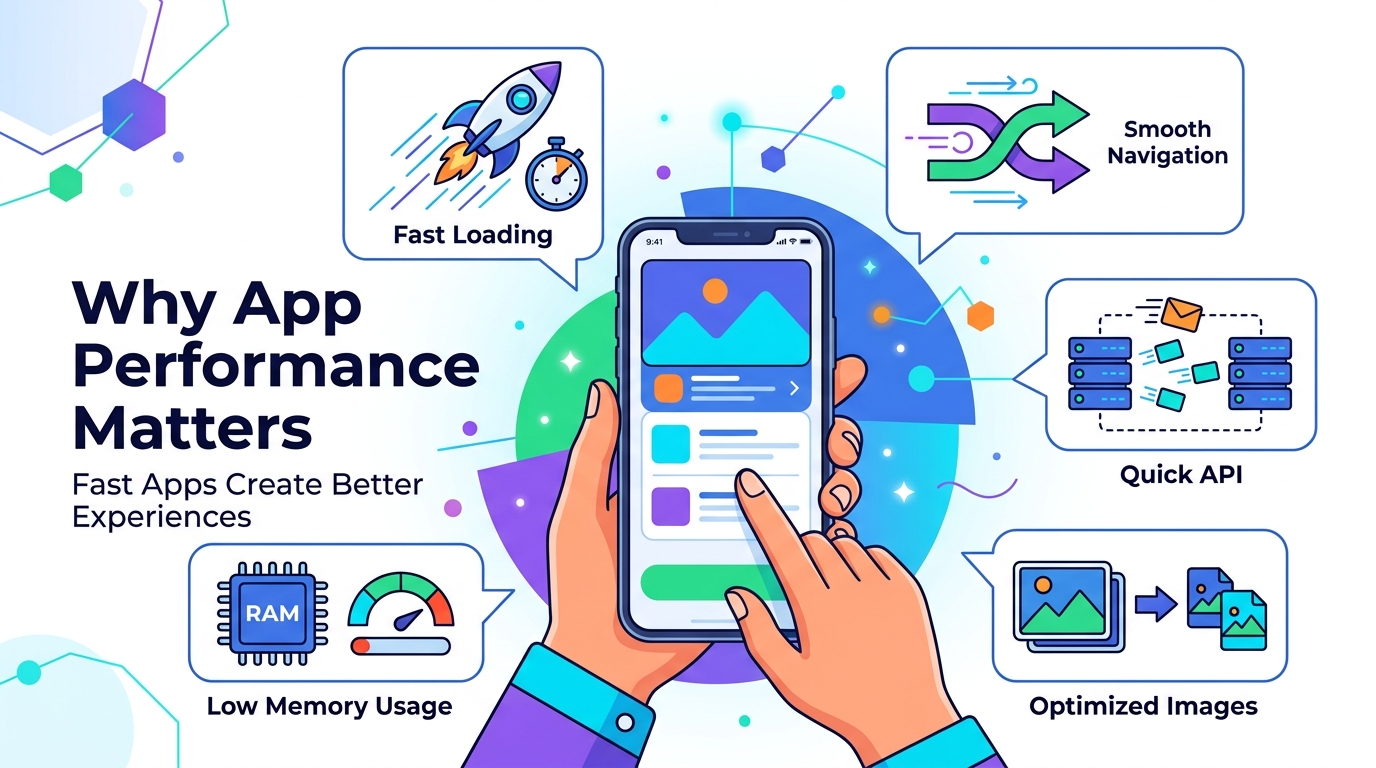
Why App Performance Matters: How Speed Affects User Experience
A mobile application can have an excellent design, powerful features, and a great business idea.
But if the application feels slow, users may not stay.
Performance is one of the most important parts of modern mobile app development.
Users expect applications to respond quickly.
They expect screens to load without unnecessary delays.
They expect buttons to respond when tapped.
They expect images and videos to load smoothly.
They expect the application to work reliably on their device.
This means app performance isn't simply a technical concern for developers.
It is part of the user experience.
What Is App Performance?
App performance describes how efficiently an application operates.
It can involve many different areas, including:
- Startup time
- Screen loading speed
- Navigation
- API response time
- Database operations
- Image loading
- Video playback
- Memory usage
- CPU usage
- Battery consumption
- Network handling
- Animation smoothness
- Crash frequency
A high-performing application should feel responsive and reliable during normal use.
Why Does App Speed Matter?
Imagine downloading a new application.
You open it.
The screen takes several seconds to appear.
You tap a button.
Nothing happens immediately.
You try another screen.
It starts loading again.
You may start thinking:
"This app is slow."
At that point, the problem isn't just technical.
The user has already formed an opinion about the product.
A fast experience creates confidence.
A slow experience creates frustration.
1. First Impressions Matter
The first few seconds of using an application can influence how users perceive the product.
If the application opens quickly and responds smoothly, the product can feel polished.
If it takes too long to start or immediately shows loading indicators, users may assume the application isn't well developed.
This is especially important for new applications.
Your first impression isn't only about colors and typography.
Performance is part of your design.
2. Slow Apps Can Frustrate Users
Users don't want to fight with an application.
If every action requires waiting, the experience becomes frustrating.
For example:
Tap button
↓
Wait
↓
API request
↓
Wait
↓
Screen updates
↓
Another loading screen
Even if each delay seems small, repeated delays can make the entire application feel slow.
A good application minimizes unnecessary waiting.
3. Performance Affects User Retention
A user who repeatedly experiences slow performance may stop using the application.
This is particularly important for:
- Social applications
- E-commerce apps
- Banking apps
- Food delivery apps
- Booking platforms
- Productivity apps
- Streaming applications
Users have alternatives.
If another application provides a smoother experience, switching can be easy.
Performance therefore becomes part of product competitiveness.
4. API Performance Matters
The mobile application isn't always responsible for slow screens.
Sometimes the problem is the backend.
For example:
Mobile App
↓
API Request
↓
Backend Processing
↓
Database Query
↓
API Response
↓
Mobile App
If the backend takes too long to process the request, the application will feel slow even if the mobile UI is perfectly optimized.
That's why mobile performance and backend performance should be considered together.
5. Database Queries Can Affect Performance
Poor database queries can become a major bottleneck.
Imagine an application requesting thousands of records when it only needs 20.
The backend may:
- Fetch unnecessary data
- Process too many records
- Use inefficient queries
- Send oversized responses
The mobile application then has to process more information than necessary.
Better database design and efficient queries can reduce unnecessary work.
6. Image Optimization Is Important
Images can consume significant network bandwidth and memory.
Consider an e-commerce application with hundreds of product images.
If the application downloads huge original images for every product, loading can become slow.
A better approach may involve:
- Appropriate image dimensions
- Compression
- Efficient formats
- Thumbnail images
- Lazy loading
- Caching
Users don't need a massive original image when viewing a small product card.
7. Video Can Be Even More Challenging
Video requires considerably more resources than simple images.
Social media applications, streaming platforms, and educational apps may display many videos.
Poor video handling can cause:
- Buffering
- High memory usage
- Battery consumption
- Slow scrolling
- Excessive network usage
Video delivery and playback should therefore be designed carefully.
8. Smooth Scrolling Matters
Imagine a social media feed containing:
- Images
- Videos
- Comments
- Animations
- Advertisements
If scrolling becomes jerky or freezes while content loads, the user experience suffers.
Efficient rendering, image caching, pagination, and appropriate widget/component design can help keep scrolling responsive.
9. Don't Load Everything at Once
One common performance mistake is trying to load all data immediately.
Imagine a screen with 1,000 products.
The application doesn't necessarily need to download all 1,000 products before showing the first 20.
Instead, applications can use techniques such as:
Pagination
Load data in smaller batches.
Lazy Loading
Load content when it becomes necessary.
Infinite Scrolling
Load the next batch as the user approaches the end.
This can reduce initial workload.
10. Caching Can Improve Speed
Caching allows frequently used data to be reused instead of requesting it repeatedly.
For example, a user's profile image may not need to be downloaded every time they open a screen.
The application can reuse a cached version when appropriate.
Caching can reduce:
- Network requests
- Loading time
- Server workload
- Data consumption
But caching should be designed carefully because outdated data can become a problem.
11. Memory Usage Matters
An application can appear fast initially but still have poor memory management.
Excessive memory usage can lead to:
- Slowdowns
- Application termination
- Crashes
- Poor multitasking
- Battery impact
This is especially important when handling large images, videos, maps, or complex screens.
Developers should monitor memory usage during development and testing.
12. Battery Usage Matters
Performance isn't only about speed.
An application that constantly performs background work can consume unnecessary battery.
For example:
- Excessive network requests
- Continuous location updates
- Unnecessary background processing
- Inefficient polling
- Poorly managed timers
can increase battery consumption.
A good application should perform necessary work efficiently.
13. Network Conditions Are Not Always Perfect
Developers often test applications on fast Wi-Fi.
Real users may be on:
- Mobile data
- Slow networks
- Unstable connections
- High-latency networks
- Temporarily disconnected networks
A good application should handle network problems gracefully.
For example, instead of simply showing:
Error
the application could provide useful feedback and allow the user to retry.
14. Loading States Improve Perceived Performance
Sometimes an operation genuinely requires time.
You can't always make everything instant.
In these situations, good loading states can make the experience feel better.
For example:
Instead of a completely blank screen, the application can show a structured loading state.
Users immediately understand that content is being loaded.
The goal is not to trick users.
The goal is to communicate what the application is doing.
15. Don't Block the Main UI
Mobile applications need to remain responsive while performing work.
Heavy operations should not unnecessarily block the user interface.
Examples include:
- Large data processing
- Image processing
- File operations
- Complex calculations
- Large database operations
Appropriate asynchronous or background processing can help keep the interface responsive.
16. App Startup Performance
The first thing users experience is often the startup process.
If the application takes too long to become usable, users may become frustrated before they even reach the home screen.
Startup performance can be affected by:
- Too much initialization
- Large dependencies
- Heavy processing
- Network requests during startup
- Database initialization
- Unnecessary services
A better approach is to initialize only what is necessary immediately and defer non-critical work when appropriate.
17. Performance Is More Than Speed
When people hear "performance," they often think only about loading speed.
But performance includes several dimensions.
A good mobile application should aim for:
Fast
Screens should load efficiently.
Responsive
Interactions should react quickly.
Stable
The application shouldn't frequently crash.
Efficient
It shouldn't unnecessarily consume memory, CPU, network, or battery.
Scalable
The architecture should be able to support increasing usage.
18. Performance Testing Should Start Early
Don't wait until the application is finished before thinking about performance.
Performance should be considered during development.
Developers can monitor:
- API response times
- Startup time
- Memory usage
- CPU usage
- Rendering performance
- Crash rates
- Network requests
Finding problems early is usually easier than trying to fix everything just before launch.
19. Test on Real Devices
A powerful development computer doesn't represent every user's device.
Your users may have:
- High-end phones
- Mid-range phones
- Older devices
- Different screen sizes
- Different operating system versions
- Limited storage
- Slower networks
Testing on different devices can reveal problems that aren't obvious during development.
20. Backend and Mobile Optimization Work Together
A fast mobile application requires more than optimized UI code.
Consider this workflow:
Mobile UI
↓
Network
↓
API
↓
Backend
↓
Database
↓
Storage
Every part can influence the final experience.
If one layer becomes a bottleneck, the user may feel it.
That's why application performance should be treated as a complete system rather than a single feature.
Common Causes of Poor App Performance
Some common causes include:
Too Many API Requests
Making unnecessary requests can increase loading time.
Large Images
Unoptimized images consume bandwidth and memory.
Heavy Screens
Too many components or complex rendering can affect responsiveness.
Poor Database Queries
Inefficient queries can slow down API responses.
Excessive Background Work
Unnecessary processing can consume CPU and battery.
Lack of Caching
Repeatedly downloading the same data wastes resources.
Large Initial Payloads
Sending too much data at startup can delay the user experience.
Poor Error Handling
Repeated failed requests can create unnecessary delays.
How Developers Can Improve App Performance
Performance optimization can involve several techniques.
Optimize API Requests
Only request the data the screen actually needs.
Use Pagination
Avoid loading huge datasets at once.
Compress Media
Reduce image and video sizes appropriately.
Cache Appropriate Data
Reuse information that doesn't need to be downloaded repeatedly.
Optimize Database Queries
Use efficient queries and appropriate indexes.
Reduce Unnecessary Rendering
Keep UI updates focused on the elements that actually changed.
Monitor Performance
Use profiling, logs, crash reporting, and performance monitoring.
Test Real-World Conditions
Don't test only on powerful devices and fast Wi-Fi.
Flutter App Performance
Flutter can deliver excellent performance when applications are properly designed and optimized.
However, developers still need to pay attention to:
- Widget rebuilds
- Large images
- Expensive animations
- List rendering
- Network requests
- Memory usage
- Plugin behavior
- Native integrations
Using Flutter doesn't automatically make an application fast.
Good architecture and optimization still matter.
Native App Performance
Native Android and iOS development provides direct access to platform-specific APIs and optimization tools.
Native applications can be highly optimized for their respective platforms.
But native development doesn't automatically guarantee good performance either.
Poor code, inefficient APIs, large media files, and bad database design can still make a native application slow.
The technology is only one part of the equation.
Performance and User Experience Are Connected
Think about two applications offering the same service.
Application A:
- Opens quickly
- Loads content smoothly
- Responds immediately
- Handles network issues well
Application B:
- Takes longer to load
- Freezes occasionally
- Shows unnecessary loading screens
- Frequently fails requests
Even if both applications provide the same features, users are likely to prefer Application A.
This demonstrates an important principle:
Performance is part of product quality.
Performance and Business
Performance can also affect business results.
A smoother application can potentially contribute to:
- Better user experience
- Higher engagement
- Better retention
- More completed actions
- Greater customer satisfaction
For an e-commerce application, for example, a slow checkout experience can create friction.
For a booking application, a slow booking process can discourage users.
For a social application, slow feeds can reduce engagement.
Performance should therefore be considered a business concern as well as a technical concern.
Build Fast, But Build Smart
Performance optimization doesn't mean making every part of the application extremely complicated.
The goal is to identify the actual bottlenecks.
For example:
If the API takes 2 seconds to respond, rewriting a small UI component may not solve the main problem.
If a large image causes memory issues, optimizing the database may not solve it.
Good optimization starts with:
Measure
↓
Find the bottleneck
↓
Optimize
↓
Test again
This is much better than making random changes.
Final Thoughts
A great mobile application isn't just beautiful.
It should feel responsive, reliable, and effortless to use.
Users may never know how your API is designed.
They may never see your database.
They may never know how your images are optimized.
But they will experience the results.
They will notice whether the application feels fast.
They will notice whether it freezes.
They will notice whether screens load smoothly.
They will notice whether the app crashes.
That's why performance matters.
A great design attracts users.
Great performance keeps the experience enjoyable.
When building an application, don't optimize only for appearance.
Build for speed, stability, responsiveness, and reliability from the beginning.
Frequently Asked Questions
Why is mobile app performance important?
Because performance directly affects how users experience an application. Slow loading, freezing, crashes, and poor responsiveness can create frustration.
What makes an app slow?
Common causes include inefficient APIs, large media files, poor database queries, excessive rendering, memory issues, and unnecessary network requests.
Can Flutter apps be fast?
Yes. Flutter can provide strong performance when the application is properly architected and optimized.
Does a fast backend improve app performance?
Yes. Mobile applications often depend on backend APIs, so slow server processing or database queries can make the application feel slow.
How can I improve my app's performance?
Start by measuring performance, identifying bottlenecks, optimizing APIs and database queries, reducing media sizes, improving rendering, and testing on real devices.
Should performance be considered before launch?
Yes. Performance should be considered throughout development rather than treated as a final step before release.
Blog CTA
Planning a mobile application?
Don't build an app that only looks good.
Build one that feels fast, reliable, and easy to use.
GoTech Studio helps businesses develop mobile applications with modern UI/UX, Flutter and Native development, optimized backend APIs, databases, integrations, and ongoing support.
Have an app idea? Let's build it for performance from day one.