

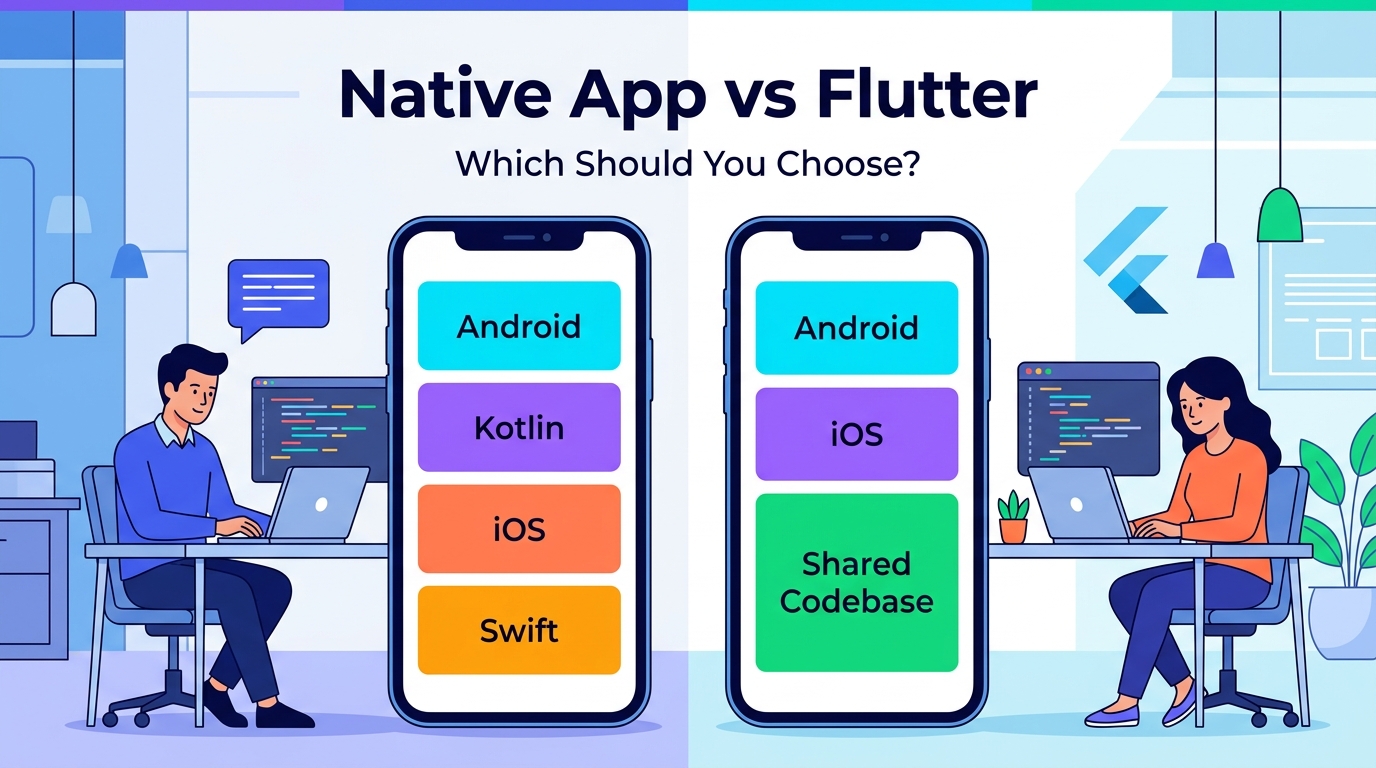
Native App vs Flutter: Which Should You Choose?
One of the first technical decisions when starting a mobile application is choosing the development approach.
Should you build the application natively?
Or should you use Flutter?
This question comes up frequently because both approaches can produce high-quality mobile applications.
However, they have different strengths.
The right choice depends on your application's requirements, target platforms, development timeline, budget, performance expectations, and long-term plans.
Let's compare them.
What Is Native App Development?
Native development means building an application specifically for a particular operating system using its preferred development technologies.
For Android, native development commonly uses:
Kotlin
For iOS, native development commonly uses:
Swift
A native Android application is designed specifically for Android.
A native iOS application is designed specifically for iOS.
This allows developers to work directly with platform APIs, SDKs, and capabilities.
What Is Flutter?
Flutter is a cross-platform UI framework that allows developers to build applications for multiple platforms from a shared codebase.
With Flutter, a development team can target platforms such as:
- Android
- iOS
- Web
- Desktop
depending on the project's requirements and framework support.
One of the major attractions of Flutter is code sharing.
Instead of maintaining completely separate application codebases for Android and iOS, teams can share a large portion of the application code.
Native vs Flutter at a Glance
| Area | Native | Flutter |
|---|---|---|
| Android | Excellent | Excellent |
| iOS | Excellent | Excellent |
| Code Sharing | Low between platforms | High |
| Platform Integration | Excellent | Very Good |
| Development Speed | Can require separate platform work | Often faster for multi-platform apps |
| UI Control | Excellent | Excellent |
| Performance | Excellent | Very Good to Excellent |
| Maintenance | Separate platform codebases | Shared codebase for much of the app |
| Platform-Specific Features | Excellent | May require platform-specific code |
| Best For | Platform-focused apps | Multi-platform products |
This isn't a universal scorecard.
The actual result depends heavily on the architecture, developers, plugins, application complexity, and implementation quality.
1. Development Speed
One of Flutter's biggest advantages is code sharing.
Suppose you want to build an application for both Android and iOS.
With native development, you generally have separate platform implementations.
With Flutter, much of the application can be developed using a shared codebase.
This can make development more streamlined for many projects.
For startups and businesses trying to launch an MVP quickly, this can be particularly attractive.
However, Flutter does not mean that absolutely everything is shared.
Some platform-specific functionality may still require native Android or iOS code.
2. Performance
Native applications have direct access to their respective platform technologies.
This makes native development an excellent choice when maximum platform-specific performance is a major requirement.
Flutter can also deliver strong performance for many types of applications.
For typical business applications, e-commerce apps, booking platforms, social applications, dashboards, and many other products, Flutter can provide a smooth experience when properly developed.
The important point is:
Framework choice alone doesn't determine performance.
Architecture, coding practices, networking, database design, image handling, animations, and backend performance also matter.
3. Platform-Specific Features
Some applications need deep integration with the operating system.
For example:
- Advanced Bluetooth functionality
- Background processing
- Complex camera features
- Specialized sensors
- Platform-specific APIs
- Advanced accessibility functionality
- Custom OS integrations
Native development can be especially attractive for these scenarios because developers work directly with the platform's SDK and APIs.
Flutter can still access many native capabilities through plugins and platform channels.
But when an application heavily depends on unique platform capabilities, native development may simplify some parts of the implementation.
4. UI Development
Flutter is particularly strong when it comes to building custom interfaces.
Its widget-based approach gives developers significant control over the visual design.
This makes Flutter attractive for applications with:
- Custom UI
- Rich animations
- Consistent design across platforms
- Complex visual components
- Highly branded interfaces
Native development also provides powerful UI capabilities.
Android developers can use modern Android UI technologies such as Jetpack Compose.
iOS developers can use SwiftUI.
Therefore, both approaches can produce modern and polished interfaces.
5. Development Cost
Cost depends on many factors.
However, Flutter can potentially reduce development effort when Android and iOS versions share most of their functionality.
Instead of maintaining two largely separate codebases, a team can share much of the application logic and UI.
This can reduce duplication.
Native development can require separate Android and iOS development resources when both platforms are targeted.
That doesn't automatically mean native is more expensive.
For some applications, the benefits of native development can justify the additional platform-specific work.
The correct question is:
Which approach gives the best value for this particular product?
6. Maintenance
Maintenance is an important consideration that is sometimes ignored during initial development.
Applications require ongoing updates.
Operating systems change.
Libraries change.
Security requirements evolve.
Users request new features.
Businesses change their processes.
With Flutter, a shared codebase can simplify many updates when the same behavior is required on multiple platforms.
With native development, platform-specific code gives you more direct control but can require changes in multiple codebases.
Again, the actual maintenance cost depends on application architecture and code quality.
7. Team Skills
Your development team's experience matters.
If your team has strong Kotlin and Android expertise, native Android development may be the most efficient option.
If your team has strong Swift and iOS expertise, native iOS development may make sense.
If your team is experienced with Flutter and needs Android and iOS from one codebase, Flutter may be a strong option.
Technology decisions shouldn't be made independently of the people building the product.
8. Time to Market
For businesses, launching quickly can be important.
A product idea may need to reach customers before competitors.
A startup may need an MVP for market validation.
A business may need Android and iOS versions at the same time.
Flutter can be attractive in these situations because of its shared codebase.
Instead of developing completely separate implementations for many parts of the product, teams can share a significant amount of code.
This can potentially shorten development time.
But speed should not come at the cost of poor architecture or testing.
9. Code Sharing
This is one of the biggest differences.
With native development:
Android → Kotlin
iOS → Swift
With Flutter:
Android + iOS → Shared Dart code for much of the application
This can simplify development for applications where the business logic and user experience are largely the same across platforms.
However, platform-specific requirements can still require native implementations.
10. Access to Native APIs
Native development provides direct access to platform APIs.
This can be valuable when your application depends heavily on operating-system functionality.
Flutter provides access to native functionality through:
- Plugins
- Platform channels
- Native Android code
- Native iOS code
Therefore, Flutter shouldn't be considered completely isolated from native development.
In fact, a Flutter application can include native code when necessary.
11. App Size
Application size can vary depending on the technology, architecture, dependencies, assets, and build configuration.
Native applications may have advantages in certain scenarios.
Flutter applications include the Flutter runtime and related components.
However, app size should not be judged purely by framework.
A poorly optimized native application can still become large.
A well-managed Flutter application can also be optimized.
The important thing is to evaluate the actual application's requirements.
12. Community and Ecosystem
Both Native and Flutter have large ecosystems.
Native Android has access to Google's Android ecosystem and platform APIs.
Native iOS has Apple's development ecosystem.
Flutter has a large collection of packages and community resources.
The important consideration is not simply how many packages exist.
You should evaluate:
- Package quality
- Maintenance
- Documentation
- Compatibility
- Community activity
- Security
- Long-term suitability
A dependency should be chosen carefully rather than simply because it exists.
13. Testing
Testing is essential regardless of the framework.
A mobile application may require:
- Unit testing
- Widget/UI testing
- Integration testing
- API testing
- Performance testing
- Device testing
- Regression testing
Flutter provides testing tools for its shared application code.
Native platforms provide their own testing frameworks and tools.
The best choice is the one your team can test and maintain effectively.
14. When Native Development Is a Better Choice
Native development can be a strong choice when your application requires:
Deep Platform Integration
The product depends heavily on Android or iOS-specific capabilities.
Maximum Platform Control
You need detailed control over platform behavior.
Specialized Performance
The application performs demanding operations where platform-specific optimization is important.
Advanced Hardware Integration
The product relies heavily on specialized sensors, Bluetooth, camera functionality, or other hardware.
Platform-Specific User Experience
The Android and iOS versions need significantly different experiences.
15. When Flutter Is a Better Choice
Flutter can be a strong choice when:
You Need Android and iOS
You want to launch on multiple mobile platforms.
You Want Code Sharing
A large part of the application can share the same functionality.
You Need a Faster MVP
You want to validate an idea relatively quickly.
You Have a Small Development Team
A shared codebase can simplify development and maintenance.
You Want a Custom UI
Flutter provides strong control over custom interface design.
Example: E-Commerce Application
Imagine you're building an e-commerce application.
You need:
- Login
- Product catalog
- Search
- Filters
- Cart
- Checkout
- Payments
- Orders
- Notifications
- User profiles
Most of this functionality can be similar on Android and iOS.
Flutter could therefore be a practical option.
But if the application later requires specialized platform functionality, native integrations can still be added where necessary.
Example: Banking Application
Now imagine a highly security-sensitive financial application with extensive platform-specific requirements.
The business may want:
- Advanced device security
- Biometric authentication
- Secure storage
- Specialized OS integrations
- Platform-specific security features
Native development may be particularly attractive in this scenario.
That doesn't mean Flutter cannot be used.
It means the technical requirements deserve careful evaluation before choosing the framework.
Example: Social Media Application
A social application might include:
- Profiles
- Posts
- Stories
- Reels
- Comments
- Likes
- Chat
- Notifications
- Media uploads
- Live features
Flutter can be a strong option for many of these features because much of the application experience can be shared between platforms.
However, advanced video processing, camera functionality, background operations, and real-time features may require careful platform-specific optimization.
What About Flutter Performance?
A common question is:
"Is Flutter slower than Native?"
The answer isn't simply yes or no.
Flutter can provide excellent performance for many applications.
But performance depends on:
- Application architecture
- Widget complexity
- Rendering workload
- API performance
- Database operations
- Image optimization
- Animation implementation
- Memory usage
- Native integrations
Native can provide more direct platform-level control.
Flutter can still deliver a smooth experience when engineered properly.
What About Future Scalability?
Both approaches can support serious applications.
Scalability isn't determined only by whether you chose Flutter or Native.
It also depends on:
- Backend architecture
- Database design
- API architecture
- Cloud infrastructure
- Caching
- Code quality
- Monitoring
- Security
- Development practices
A Flutter application with a strong backend architecture can scale.
A native application with poor backend architecture can struggle.
The entire system matters.
Don't Choose Technology Based Only on Popularity
Technology trends change.
One year, a framework may be extremely popular.
Another year, a different technology may receive more attention.
Your business shouldn't choose technology simply because:
"Everyone is using it."
Instead, ask:
What does our application need?
Which platforms do we need?
How quickly do we need to launch?
What is our budget?
What skills does our team have?
How much platform-specific functionality do we need?
These questions lead to a better decision.
A Practical Decision Framework
Choose Native if:
- Platform-specific functionality is critical
- You need maximum platform control
- Your product heavily depends on native APIs
- Android and iOS require significantly different behavior
- Your team already specializes in native development
Choose Flutter if:
- Android and iOS are both important
- You want substantial code sharing
- You need to launch efficiently
- Your UI is highly customized
- You want a streamlined multi-platform development process
Can You Mix Flutter and Native?
Yes.
This is an important point.
Choosing Flutter doesn't mean you can never write native code.
Flutter applications can communicate with native Android and iOS code when required.
For example:
Flutter UI
↓
Platform Channel
↓
Native Android / iOS Feature
This allows teams to use Flutter for most of the application while using native code for specific platform requirements.
This hybrid approach can be useful for applications with specialized functionality.
The Real Question Isn't "Which Is Better?"
The internet often turns technology decisions into simple arguments:
Flutter vs Native
But there isn't a universal winner.
Both are capable technologies.
The better question is:
Which approach is better for your application?
A small startup MVP may benefit from Flutter.
A highly platform-specific application may benefit from Native.
A business application targeting both Android and iOS may find Flutter highly practical.
A specialized hardware application may require extensive native development.
Context matters.
Final Thoughts
Choosing between Native and Flutter is an important decision, but it shouldn't be based on hype.
Think about your:
Product requirements
Target platforms
Budget
Development timeline
Performance requirements
Platform integrations
Team skills
Long-term maintenance
Flutter can provide a highly productive approach for many multi-platform applications.
Native development provides deep platform control and is an excellent choice for applications that depend heavily on platform-specific functionality.
The best technology isn't necessarily the newest or most popular.
It's the technology that fits your product.
Before development starts, make the technology decision based on the product — not the trend.
Frequently Asked Questions
Is Flutter better than Native?
Not universally. Flutter can be excellent for multi-platform applications, while Native can be better for applications requiring deep platform-specific functionality.
Is Flutter good for professional applications?
Yes. Flutter can be used to build production mobile applications across many industries.
Is Native development more expensive?
It can require more development effort when separate Android and iOS implementations are needed, but the actual cost depends on project complexity and team structure.
Can Flutter access native features?
Yes. Flutter can integrate with native Android and iOS functionality when required.
Which is better for an MVP?
Flutter can be a strong option when an MVP needs to target both Android and iOS and most functionality can be shared.
Which is better for maximum performance?
Native provides the most direct access to platform-specific capabilities. However, Flutter can also provide strong performance for many application types when properly engineered.
Should I choose Flutter or Native before designing my app?
Ideally, evaluate the product requirements first. Understanding the features, target platforms, integrations, and performance requirements makes the technology decision much easier.
Blog CTA
Still unsure whether your project should use Flutter or Native development?
GoTech Studio can help you evaluate your requirements and choose the right development approach before you invest in development.
We work with Flutter, Kotlin, Jetpack Compose, and modern mobile technologies to build scalable mobile applications.
Have an app idea? Let's choose the right technology and build it properly from day one.