

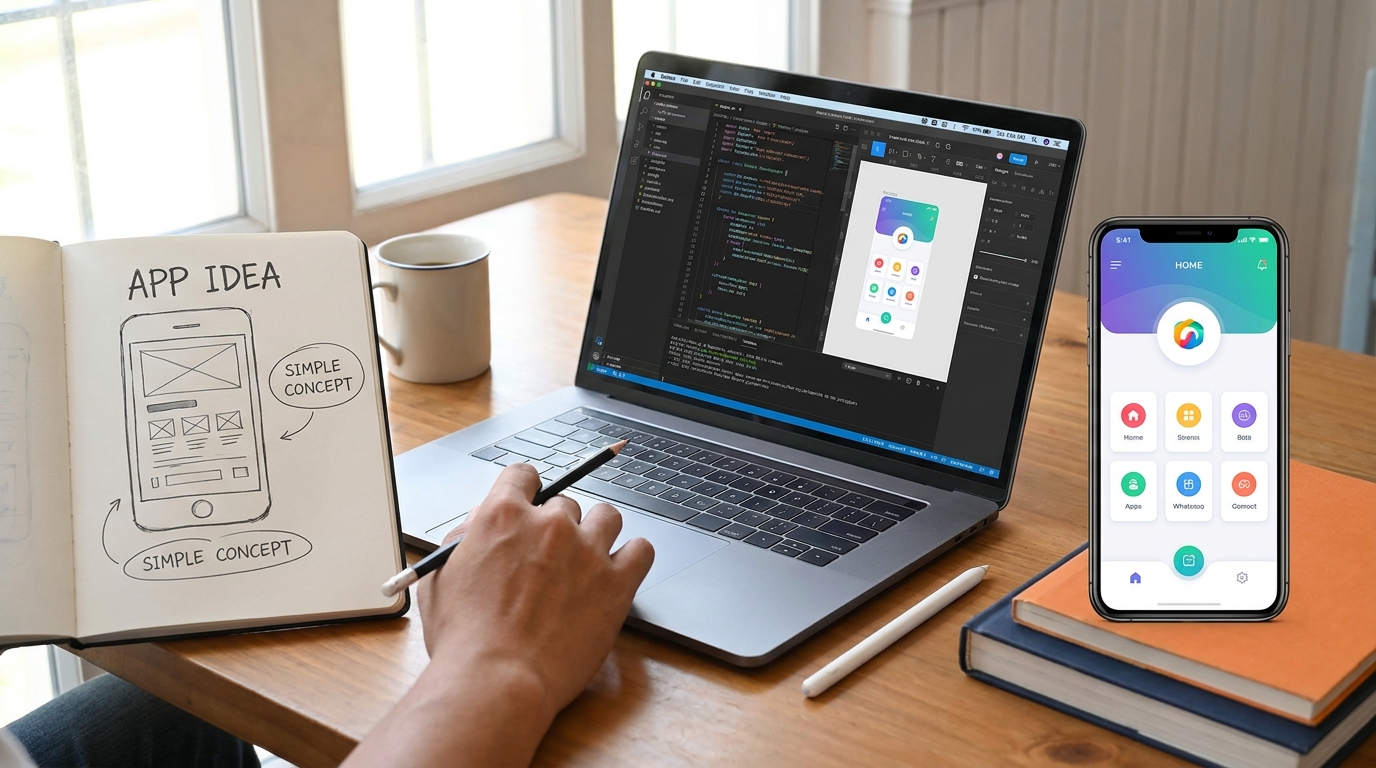
From Idea to App: What Actually Happens?
Having an app idea is easy.
Turning that idea into a reliable application that people actually want to use is a completely different process.
Many business owners have a general idea of what they want their app to do, but they aren't always sure what happens after they contact a development team.
Does development start immediately?
How are features decided?
When does UI/UX design happen?
How long does testing take?
And what happens after the app is published?
The answer is that successful app development is a process. Coding is only one part of it.
Here's what usually happens from the first idea to the final launch.
1. Everything Starts With the Idea
Every app starts somewhere.
Maybe you have identified a problem in your business. Maybe you have an idea for a new service. Or perhaps you want to turn an existing business process into a mobile application.
At this stage, the idea doesn't need to be perfect.
The important thing is to understand what you are trying to achieve.
Some of the first questions include:
- What problem will the app solve?
- Who will use it?
- What should users be able to do?
- What is the main purpose of the app?
- What makes the idea useful?
- Is the app for customers, employees, businesses, or multiple user types?
This discussion helps turn a general idea into something that can actually be planned and developed.
2. Requirements Are Defined
Once the idea is clear, the next step is understanding the requirements.
This is where you decide what the application actually needs.
For example, a marketplace app might require:
- User registration and login
- User profiles
- Product or service listings
- Search and filters
- Messaging
- Notifications
- Payments
- Admin management
But not every idea needs every possible feature.
One of the biggest mistakes is trying to build everything at once.
A better approach is to identify the most important features and determine what should be included in the first version.
3. Plan the App Before Development
Once the requirements are understood, the application needs a proper plan.
This can include user flows, screen structure, technical requirements, backend requirements, database planning, and the technology stack.
For example, a mobile application might use Flutter for the mobile frontend and Node.js or PHP for backend services.
The exact technology depends on the project's requirements.
Planning helps reduce confusion later.
It also gives both the client and development team a clearer understanding of what is being built.
4. UI/UX Design Turns Ideas Into Screens
Now the idea starts becoming visual.
UI/UX designers create the screens and user flows of the application.
This isn't simply about choosing colors and making the app look attractive.
Good UI/UX should answer an important question:
Can the user understand what to do without getting confused?
The design process may include:
- Wireframes
- User flows
- Screen layouts
- Navigation
- Typography
- Colors
- Buttons and forms
- Responsive layouts
- Interactive elements
- Prototypes
Designing the experience before development can save a lot of time.
It's much easier to change a screen during the design stage than after hundreds of lines of code have already been written.
5. Development Begins
Once the requirements and designs are ready, development begins.
This is the stage most people think about when they hear "app development."
But there is usually much more happening behind the scenes than just building mobile screens.
The development team may work on:
- Mobile application
- Backend
- REST APIs
- Database
- Authentication
- User roles
- Notifications
- File storage
- Payment integrations
- Third-party services
- Admin panels
For a Flutter application, developers can build applications for multiple platforms from a shared codebase.
For Android-specific applications, Kotlin and Jetpack Compose can be used to build a native Android experience.
The right approach depends on the project.
6. The Backend Works Behind the App
A mobile application often needs a backend to store and process information.
Think about an app where users create accounts, send messages, place orders, or upload information.
That data needs somewhere to go.
The backend can handle things such as:
- User authentication
- Data processing
- Database operations
- API requests
- Permissions
- Notifications
- Business logic
- Admin operations
The mobile app is what users see.
The backend is often what makes many of those features actually work.
7. Testing Comes Before Launch
A working application isn't necessarily a ready application.
Before launch, the app needs to be tested.
Developers look for bugs, crashes, layout problems, slow screens, incorrect data, and other issues.
Testing may include:
Functional Testing
Does each feature work as expected?
Device Testing
Does the app work correctly across different screen sizes and devices?
Performance Testing
Does the app remain responsive when users perform different actions?
Usability Testing
Can users understand the interface and complete important tasks?
API and Backend Testing
Are requests, responses, authentication, and database operations working correctly?
Testing is important because problems that aren't discovered before launch can eventually be experienced by real customers.
8. Feedback Can Change the Product
Sometimes testing reveals something that wasn't obvious during planning.
Maybe a feature is confusing.
Maybe a particular screen has too many options.
Maybe users need an easier way to complete an important action.
That's completely normal.
App development is not always a straight line.
Good feedback can improve the final product.
The goal isn't simply to finish the original plan. The goal is to build something that actually works for its users.
9. Preparing for the App Store and Play Store
Once the application is stable, it can be prepared for release.
Depending on the platform, this can involve:
- App icons
- Screenshots
- App descriptions
- Store information
- Privacy details
- Version information
- Signing and release builds
- Compliance requirements
The application also needs to meet the relevant platform policies.
A successful development project doesn't end when the code is finished. The app also needs to be properly prepared for distribution.
10. Launching the App
After the final checks, the application can be released.
This is the exciting part.
Users can finally download and use the product.
But launch day shouldn't be considered the finish line.
It's actually the beginning of the next stage.
Once real users start using the application, you'll receive information that wasn't available during development.
11. Real Users Reveal New Opportunities
Real users behave differently from developers and testers.
They may discover new use cases.
They may report bugs.
They may request features.
They may find certain screens confusing.
They may suggest improvements you hadn't considered.
This feedback is extremely valuable.
Instead of treating the first release as the final version, successful products continue to improve based on real-world usage.
12. Maintenance Keeps the App Healthy
After launch, the application needs ongoing attention.
Operating systems receive updates.
Devices change.
Libraries become outdated.
Backend technologies evolve.
Security requirements change.
Users expect improvements.
That's why app maintenance is an important part of the development lifecycle.
Maintenance can include:
- Bug fixing
- Performance optimization
- Security updates
- Framework updates
- API updates
- UI/UX improvements
- Compatibility updates
- New features
- Technical support
A well-maintained application can continue providing value long after its initial launch.
How Long Does App Development Take?
There isn't one fixed answer.
A simple application with a few screens may take significantly less time than a large platform with multiple user roles, payments, messaging, admin features, and complex backend requirements.
The timeline depends on factors such as:
- Number of features
- UI/UX complexity
- Backend requirements
- Integrations
- Number of platforms
- Testing requirements
- Changes during development
This is why it's better to define the scope first rather than choosing a timeline based only on the idea.
Do You Need to Build Everything at Once?
Not necessarily.
For many startups and businesses, starting with an MVP can be a smart approach.
An MVP, or Minimum Viable Product, focuses on the core features needed to launch and validate the idea.
Instead of spending months building every possible feature, you can start with the most important functionality, get real feedback, and improve the product over time.
This can make the development process more manageable.
The Most Important Part: Start With the Right Plan
A good app isn't simply the result of good coding.
It comes from understanding the problem, planning the product, designing a useful experience, choosing appropriate technology, testing properly, and continuing to improve after launch.
If you have an app idea, you don't need to know every technical detail before getting started.
You just need to clearly explain the problem you're trying to solve.
The development team can help turn that idea into requirements, screens, technology decisions, and eventually a working application.
How GoTech Studio Can Help
At GoTech Studio, we help businesses turn app ideas into real digital products.
Our services cover different stages of the journey, including:
- Mobile App Development
- Flutter Development
- Native Android Development
- UI/UX Design
- Backend Development
- API Integration
- App Maintenance & Support
- AI Agent Development
- Tech Consulting
Whether you have a complete product plan or just an idea written in a notebook, the first step is understanding what you're trying to build.
Have an app idea? Let's discuss it and find the right way to turn it into a real product.
FAQs
I only have an app idea. Can I still start?
Yes. You don't need a complete technical specification to begin. The first step is usually discussing the idea, target users, goals, and main features.
Should I design the app before development?
It's generally helpful to plan the UI/UX before development. This allows important user flows and screens to be reviewed before significant development work begins.
Should I build an MVP first?
For many businesses and startups, an MVP can be a practical way to launch the core idea, collect feedback, and decide what should be developed next.
Can Flutter be used to build a complete mobile app?
Yes. Flutter can be used to build mobile applications with frontend interfaces, API integrations, authentication, and other functionality, depending on the project's requirements.
Does app development stop after launch?
No. Launch is only one stage of the product lifecycle. Maintenance, monitoring, bug fixing, updates, and improvements are often needed after release.
Final CTA
Your app idea doesn't have to stay an idea.
From planning and UI/UX design to development, testing, launch, and ongoing support, the right process can turn a simple concept into a real product.
Have an app idea? Start your project with GoTech Studio today.